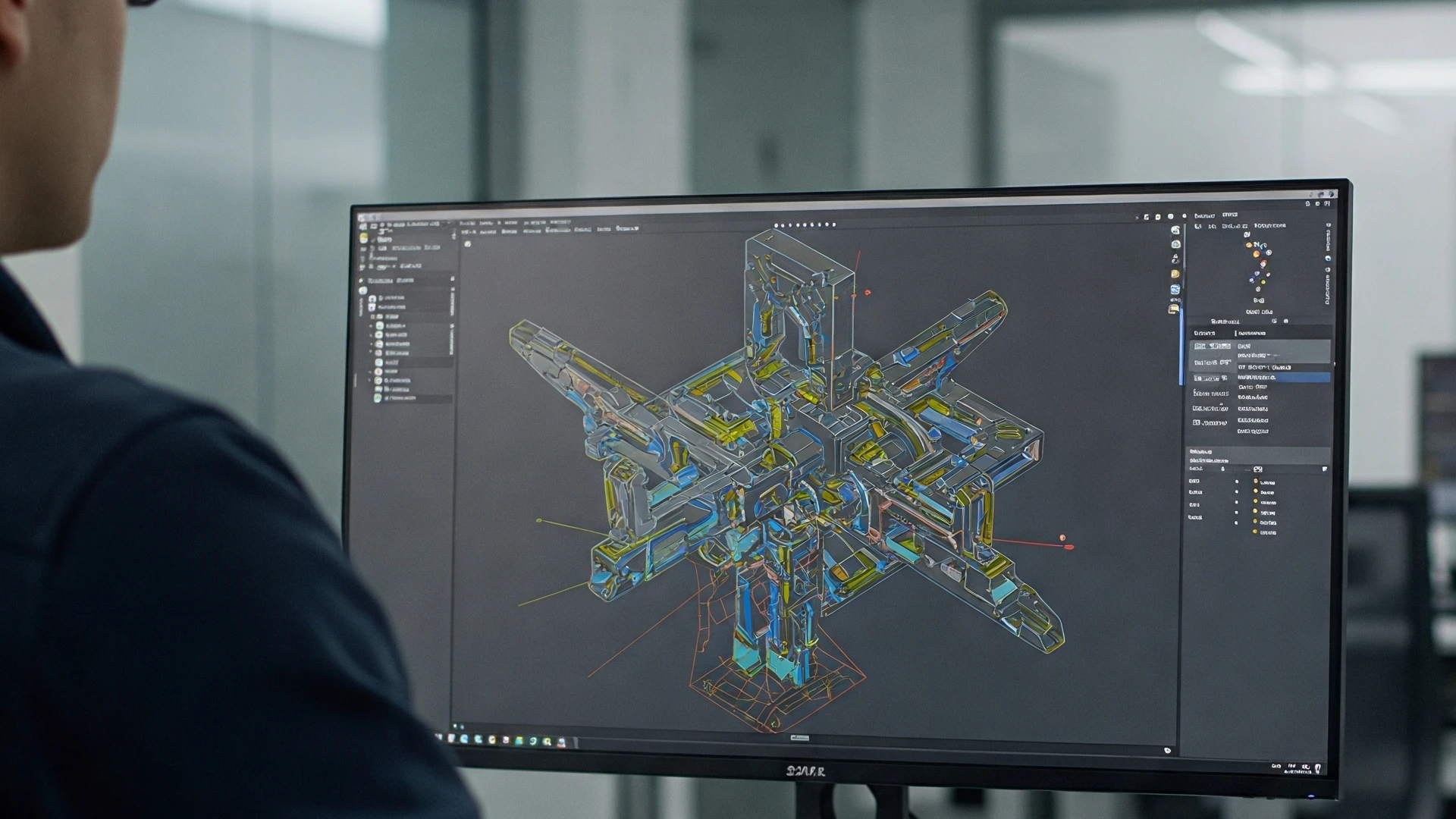
How to Send Us a Model for 3D Printing?
Guide to preparing a 3D model for successful printing
Before Sending a Model - What's Important to Know
The quality of the final 3D print is fundamentally influenced by how the 3D model is prepared. A properly prepared model ensures not only a flawless print but also saves time and costs. The most common issues include unclosed surfaces (non-watertight models), too thin walls, or an inappropriately chosen file format.
You don't need to be a 3D modeling expert. We're here to help you check and adjust your model for printing. We offer free consultation and basic adjustments as part of the service. If you're unsure whether your model is suitable for printing, just send it to us and we'll advise you.
File Format
Recommended formats:
- STL (most common format for 3D printing)
- OBJ (preserves colors and textures)
These formats are universal and supported by all 3D printers.
Other accepted formats:
- 3MF
- STEP
If you have a model in another format, contact us and we'll be happy to help with conversion.
Model Check
The model must be "watertight" (without holes)
A 3D model should be a closed object without holes in the mesh. Open models can cause problems during printing.
Tip:
Most 3D modeling programs have tools to check and repair model watertightness.
Check Wall Thickness
Minimum recommended wall thickness:
Walls that are too thin may be fragile or may not print correctly.
Optimization
For FDM printing:
- Avoid large overhangs (more than 45°)
- Consider model orientation to minimize supports
- Split large models into smaller parts
For SLA printing:
- Pay attention to support structures
- Avoid large flat surfaces
- Ensure drain holes for resin
Need help?
Send us your model and we'll check it for free! Our technicians will advise you on optimization for the best print result.
Ready to send your model?
Upload your STL or OBJ file and get a price quote within 24 hours.
Send Inquiry